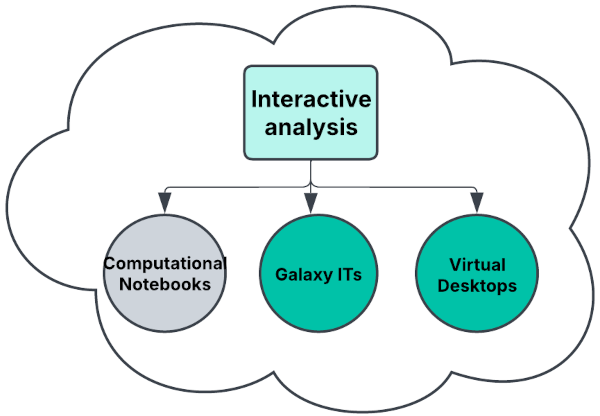
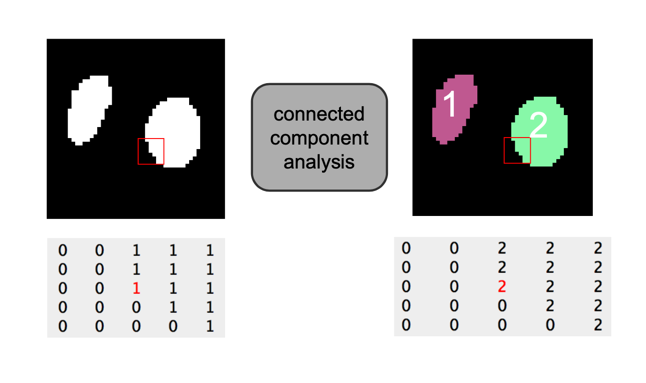
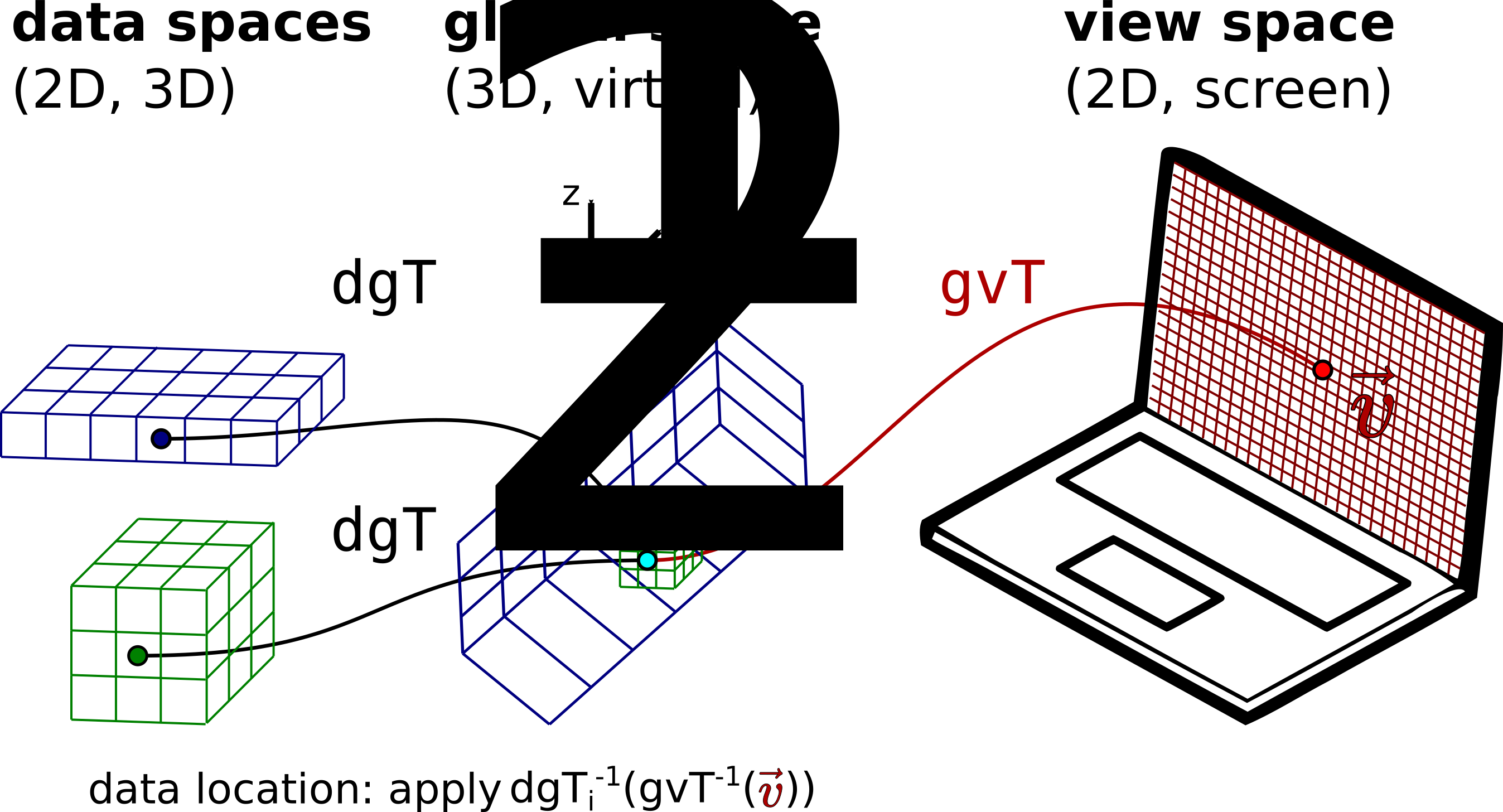
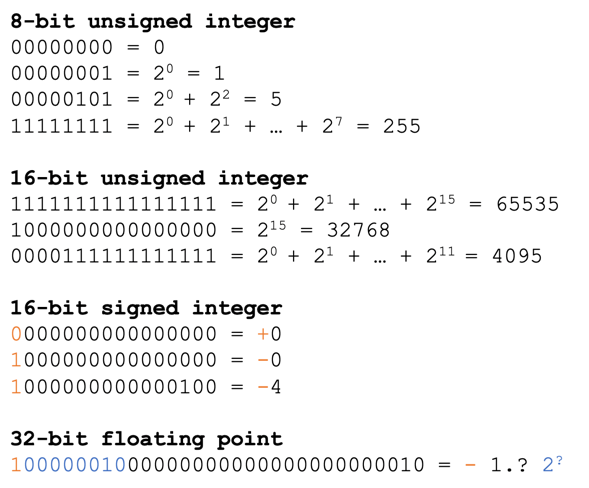
Automatic thresholding Batch exploration of segmentation results Big image data formats Cloud based batch analysis Cloud based interactive analysis Connected component labeling Convolutional filters Correlative image rendering Data types Digital image basics Display settings Distance transform Flat-field correction Global background correction Illumination and shading artefacts Image data formats Imaging thick biological samples Local background correction Median filter Morphological filters Multichannel images N-dimensional images Neighborhood filters Object filtering Object intensity measurements Object shape measurements OME-TIFF OME-Zarr Optical sectioning Optimal sampling Point spread function Projections Resolution Sample preparation artefacts Segmentation inspection Segmentation overview Skeletonization Smart microscopy targeted imaging Smart microscopy - adjustment of the acquisition parameters Spatial calibration Spherical aberrations Statistical (rank) filters Stitching of tiled images Thresholding Tool installation Volume rendering Volume slicing Watershed Scripting: Batch processing Scripting: Coding with LLMs Scripting: Functions Scripting: Handling input parameters Scripting: Loops Scripting: Output saving Scripting: Recording a script Scripting: Running a script Scripting: Strings and paths Scripting: Variables Workflow: Noisy object segmentation and filtering in 2D Workflow: Nuclei and cells segmentation Workflow: Nuclei segmentation and shape measurement Workflow: Quantitative image inspection and presentation Draft: Bioimage tools containers Draft: Deep learning instance segmentation Draft: Getting started with the virtual microscope Draft: Image registration (DRAFT) Image sampling Draft: Manual segmentation Draft: Remote (image) data access Draft: Similarity transformations Draft: Table file formats (DRAFT) Draft: Template Draft: Commenting Draft: Fetching user input Draft: Setting up a scripting environment Draft: Cofilin rod formation (DRAFT) Draft: Segment Golgi objects per cell Draft: Smart microscopy feedback photomanipulation